1
Create & verify your account
Sign up free — no credit card needed.
- Enter your email, display name (your name or agency) and a username — English letters, numbers or _ (Turkish characters aren't allowed).
- Pick a password of at least 8 characters.
- Type the 6-digit code emailed to you (valid 24 hours) to verify.
- You stay signed in for days — no constant re-logging.
2
Draw your parcel in the Map Editor
Open the Map Editor from the left sidebar.
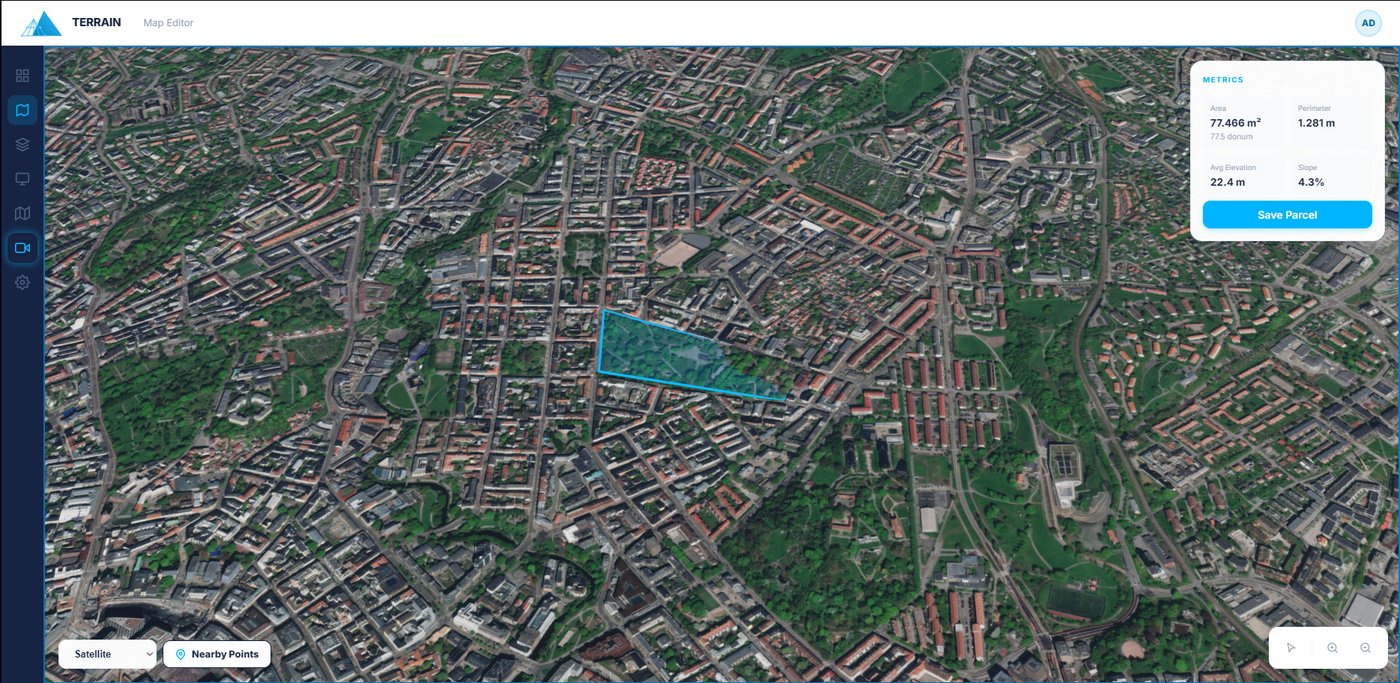
- Pick the draw tool and click each corner of your land on the 3D satellite map.
- Misplaced a corner? Press Ctrl+Z or the Undo button to remove the last point — no need to start over.
- Switch basemaps: Satellite, Streets or 3D.
3
Read the live metrics
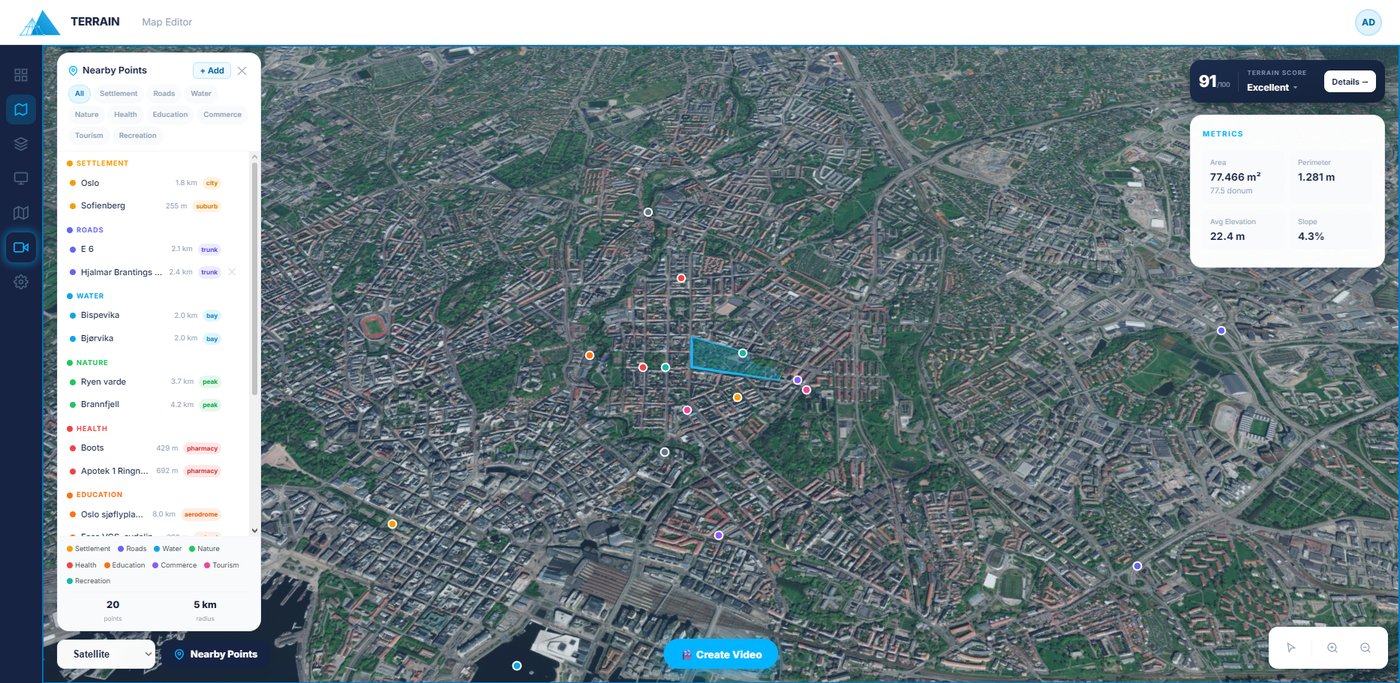
The Metrics card updates instantly as you draw.
- Area in m² and dönüm, perimeter, average elevation and slope %.
- Use these to price the plot and spot steep or flat ground at a glance.
- Click Save Parcel to open the save wizard.
4
Add the listing details
In the save wizard, turn the parcel into a listing.
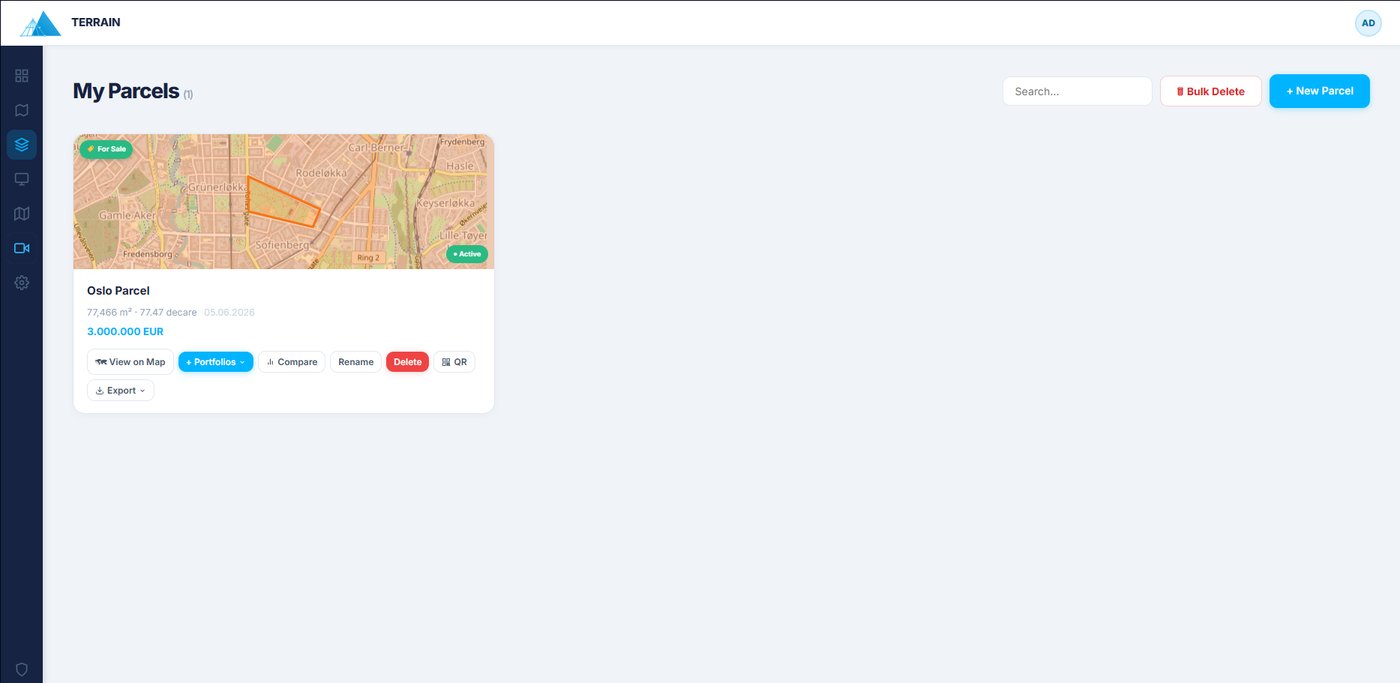
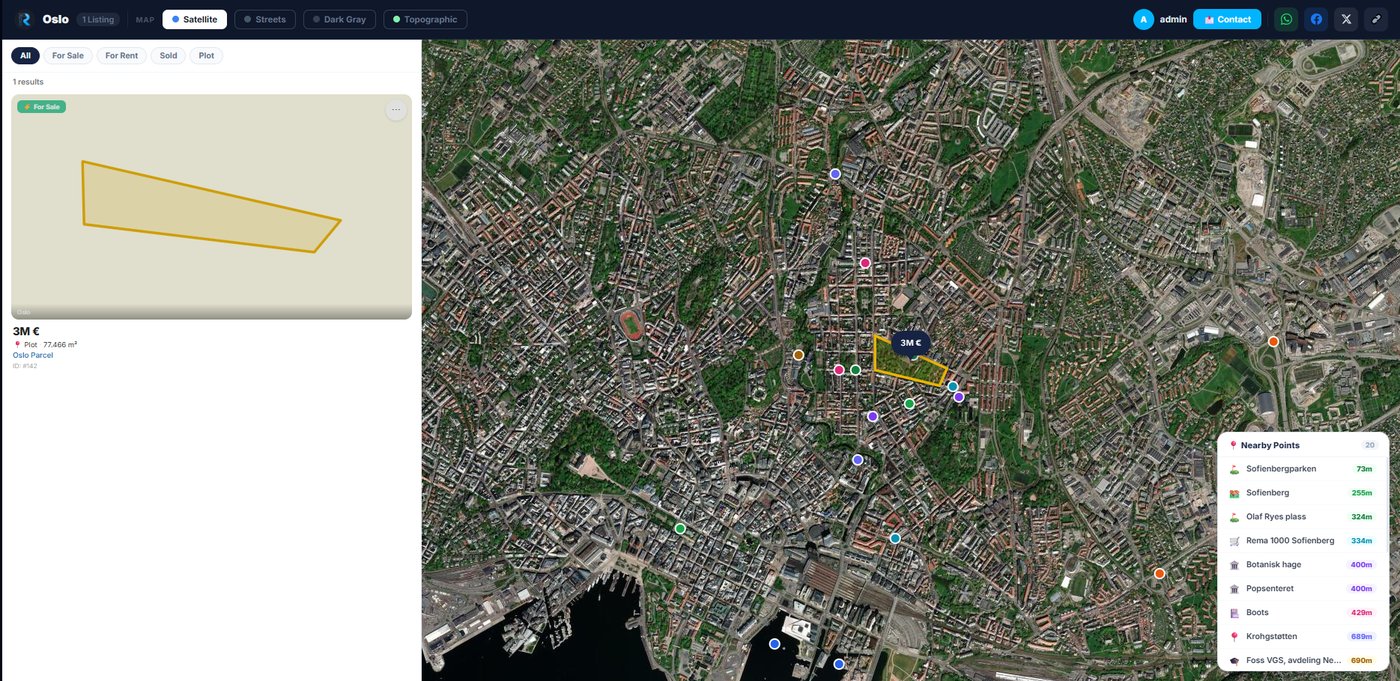
- Name the parcel, set the price and currency (TRY / USD / EUR / GBP).
- Pick the listing type: Sale, or Rent — Daily, Weekly, Monthly or Yearly.
- Choose a portfolio to add it to, and add photos.
5
Explore the surroundings
See what's around the land — automatically.
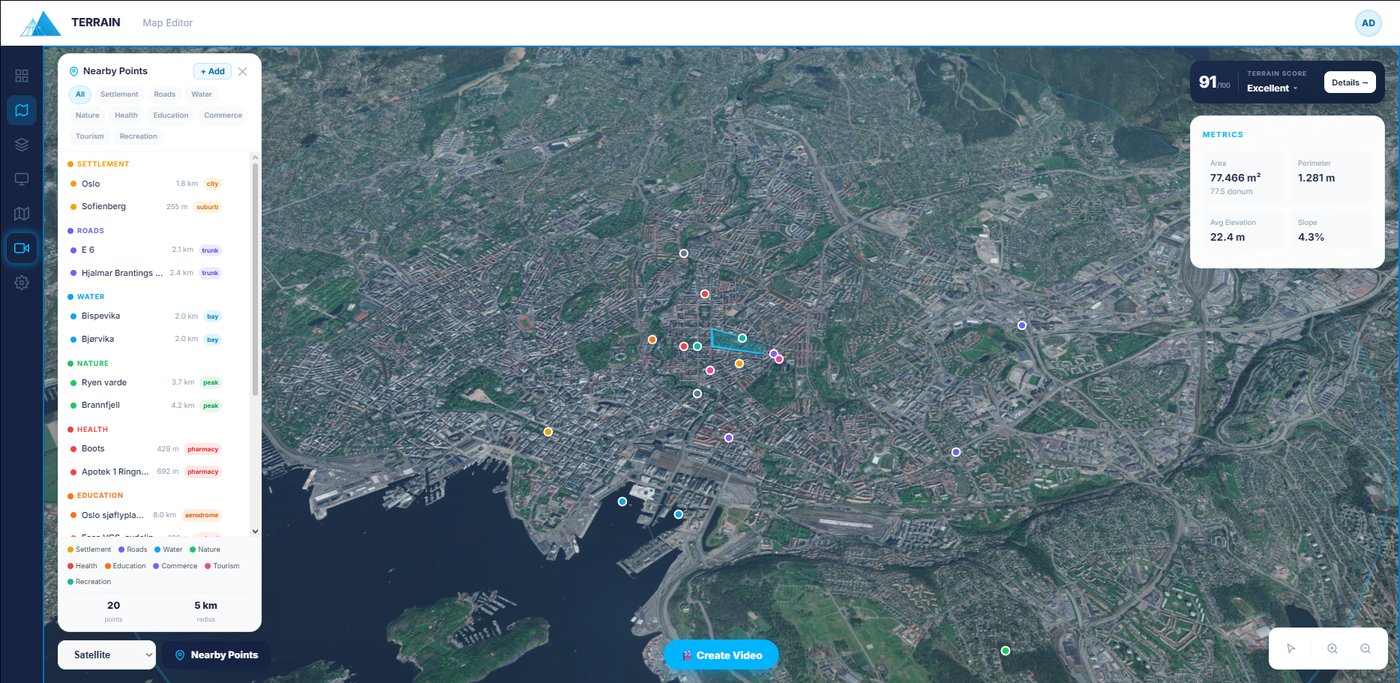
- Open Nearby Points to scan a 5 km radius across 9 categories: roads, water, schools, hospitals, commerce, nature and more.
- Use + Add to drop your own custom points — competitors, future projects, landmarks.
- These feed straight into the Terrain Score and your AI video.
6
Generate the Terrain Score
Prove the plot's value with data.
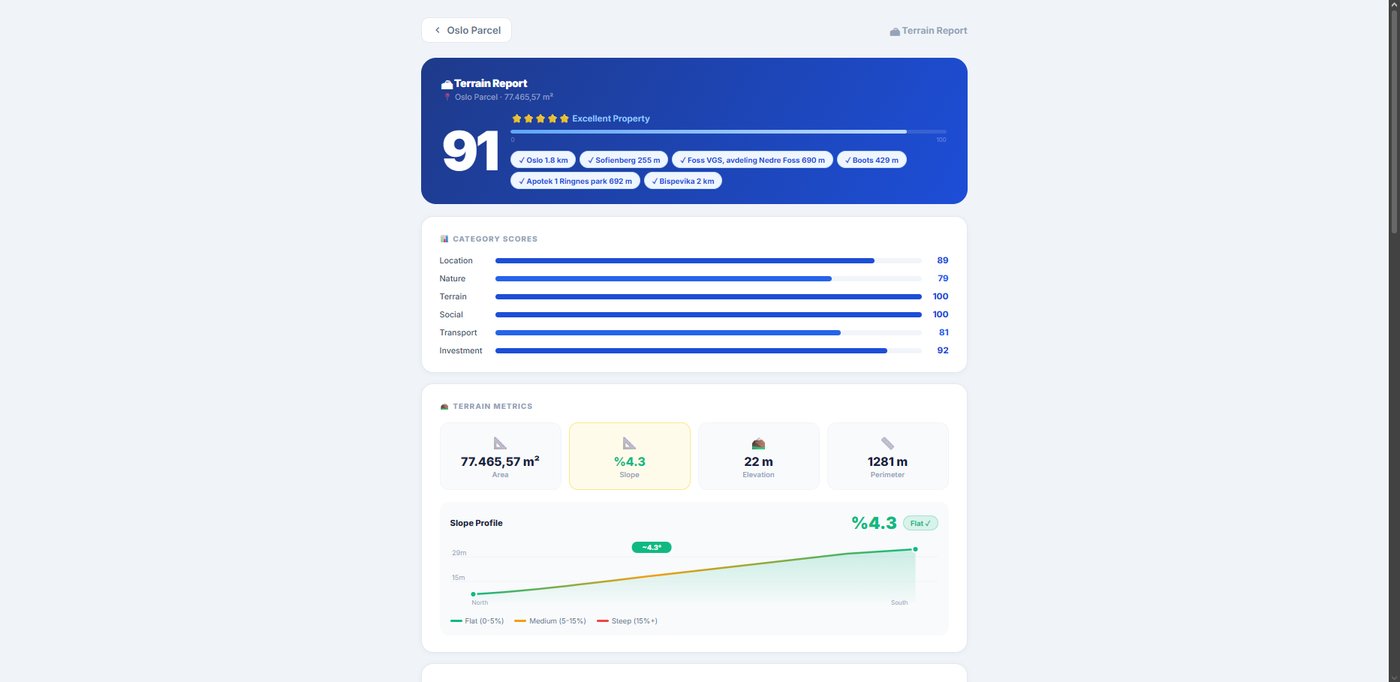
- The score widget shows a 0–100 grade; open Detay for the full report.
- See six dimensions — location, nature, terrain, social, transport & investment — plus AI strengths, risks and a star rating.
- The report opens in a new tab; use the back link to return to the editor.
7
Create an AI video
Film a cinematic flyover — no drone.
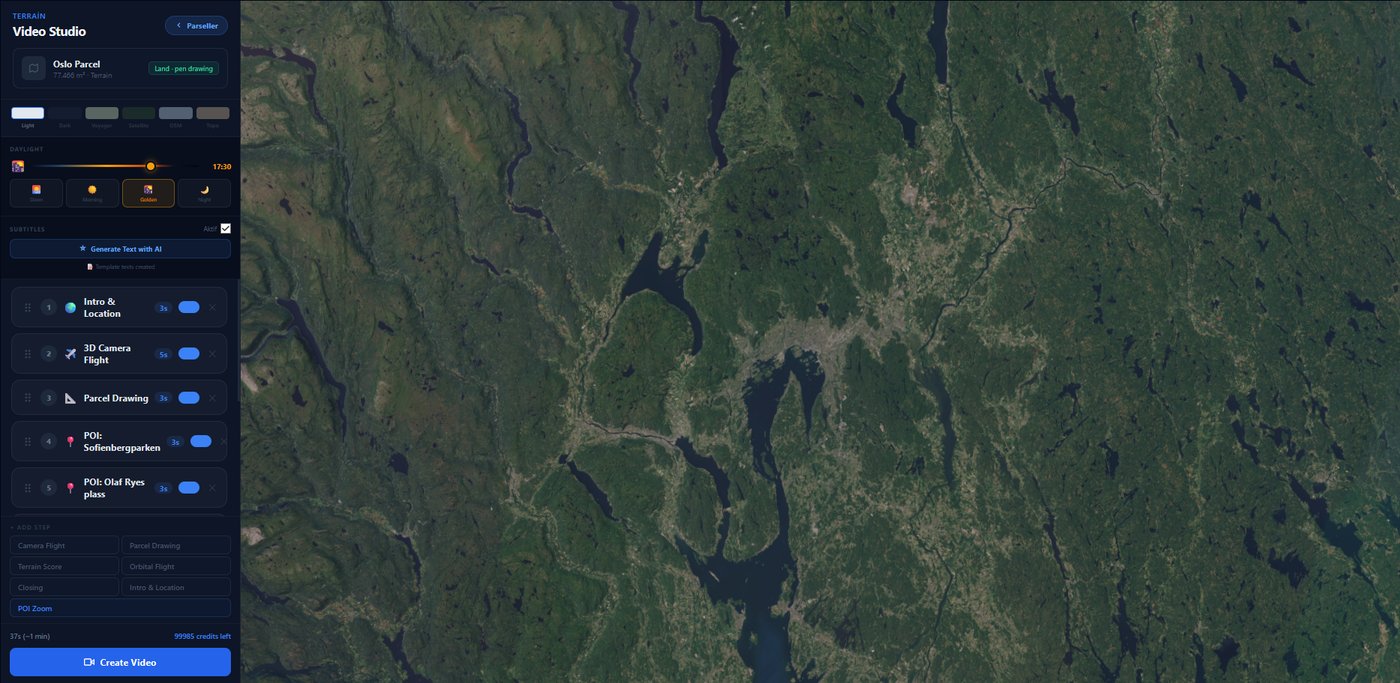
- Click Create Video after saving, or open Video Studio from the sidebar.
- Describe the shots in plain language; AI sequences the flyover, writes subtitles and renders a shareable WebM.
- A video credit is only used once the video finishes rendering and appears in the preview — failed attempts cost nothing.
8
Publish & capture leads
Go live and turn views into conversations.
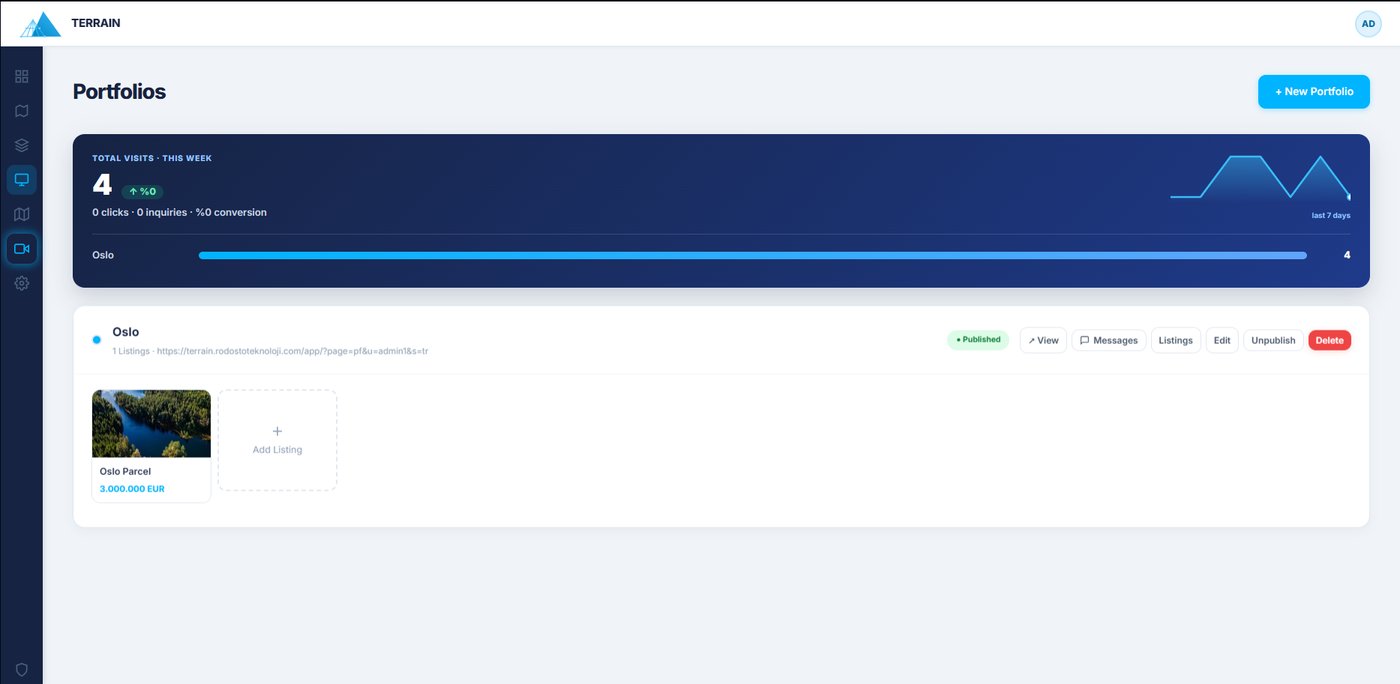
- Add the listing to a portfolio and hit Publish.
- Share by link, QR code or WhatsApp — QR codes are generated right in your browser.
- Inquiries land in your portfolio's Messages; reply by email/WhatsApp and move each lead New → Contacted → Closed.